
Classical music, explained piece by piece
Most classical music arrives without instructions. Sonatique explains it: open a piece, choose a question, and read a clear answer about how it is built, where it came from and what to listen for. Every answer is written for how much you already know, from first-time listener to academic.


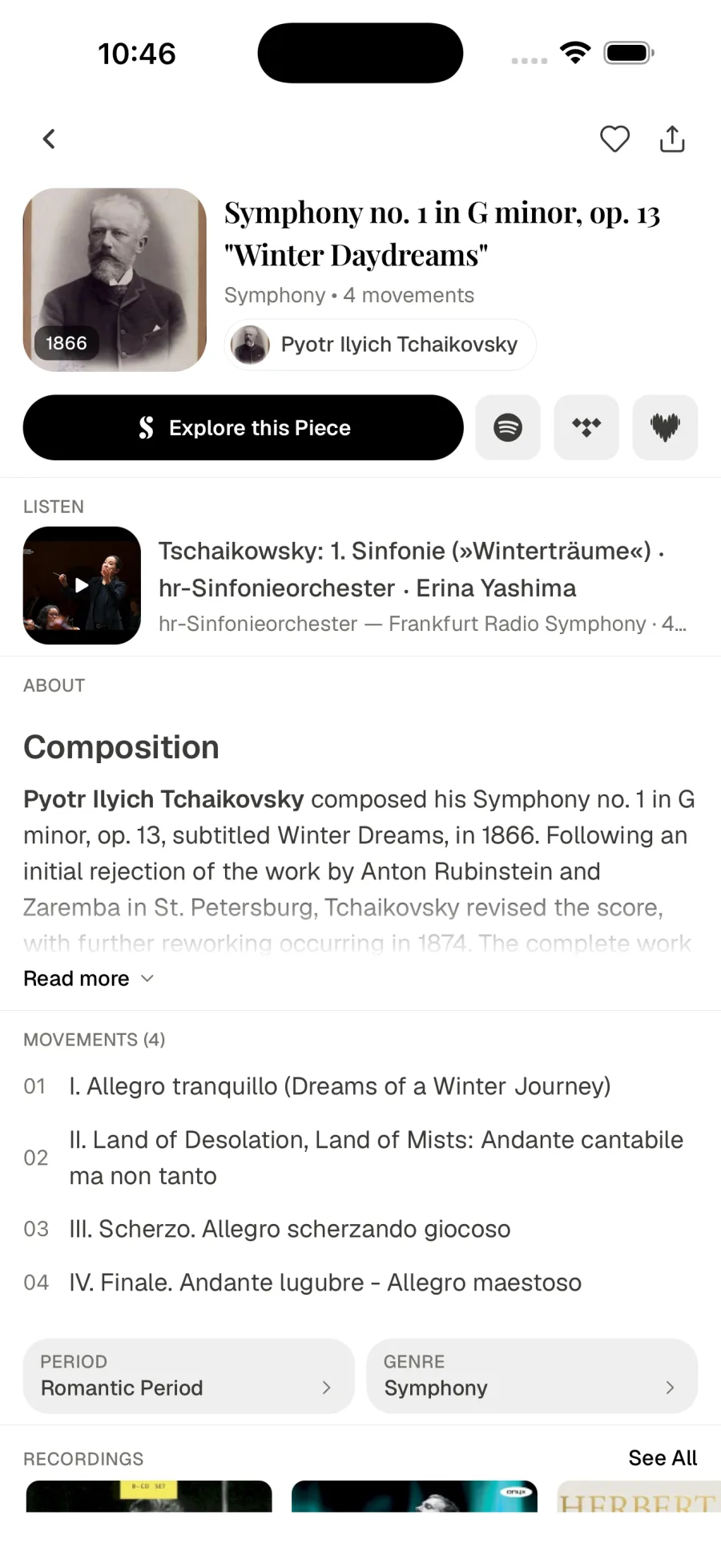
Ask the questions listeners actually have
Every piece in Sonatique has an Explore this Piece button near its title. Tap it and a short list of guided questions appears, chosen for that particular work and for your level: the questions that come up when you hear something for the first time, or for the tenth. Pick one and the answer is written for you on the spot, in plain paragraphs you can read in a minute or two. Answers appear as they are written, so you can start reading straight away instead of waiting for the whole text.
The same button appears on composer, genre, instrument and place pages, so you can also ask about a composer's life, how a genre developed, what gives an instrument its sound, or why a particular city mattered to music.
The questions and answers are generated by an AI language model at the moment you ask, for your level and your language. A free account includes three answers a day, and the count starts again the next day; Sonatique Premium removes the limit.
Written for what you already know
When you first open Sonatique it asks how well you know classical music, on a five-step scale: Newcomer, Casual Listener, Enthusiast, Connoisseur or Academic. Explore answers follow that choice. A newcomer gets an introduction that assumes nothing; an academic gets form, harmony and history discussed with the vocabulary they already use.
You can change your level whenever you like in Settings, and the next answer follows it. Plenty of listeners start lower than they need to and move up as the music becomes familiar, which is exactly the idea. You never need to read music: at the first two levels, answers are written for listening rather than for following a score.
One page for every piece
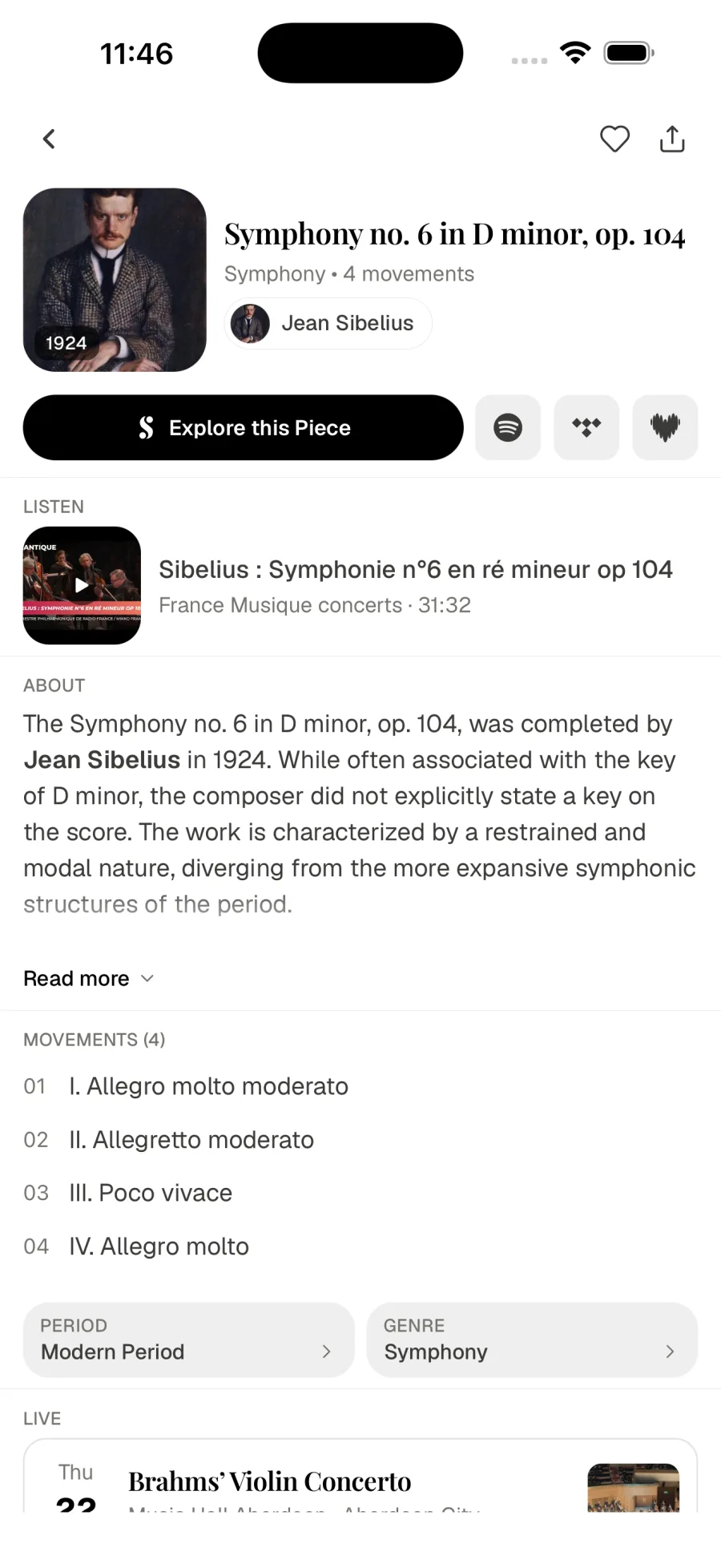
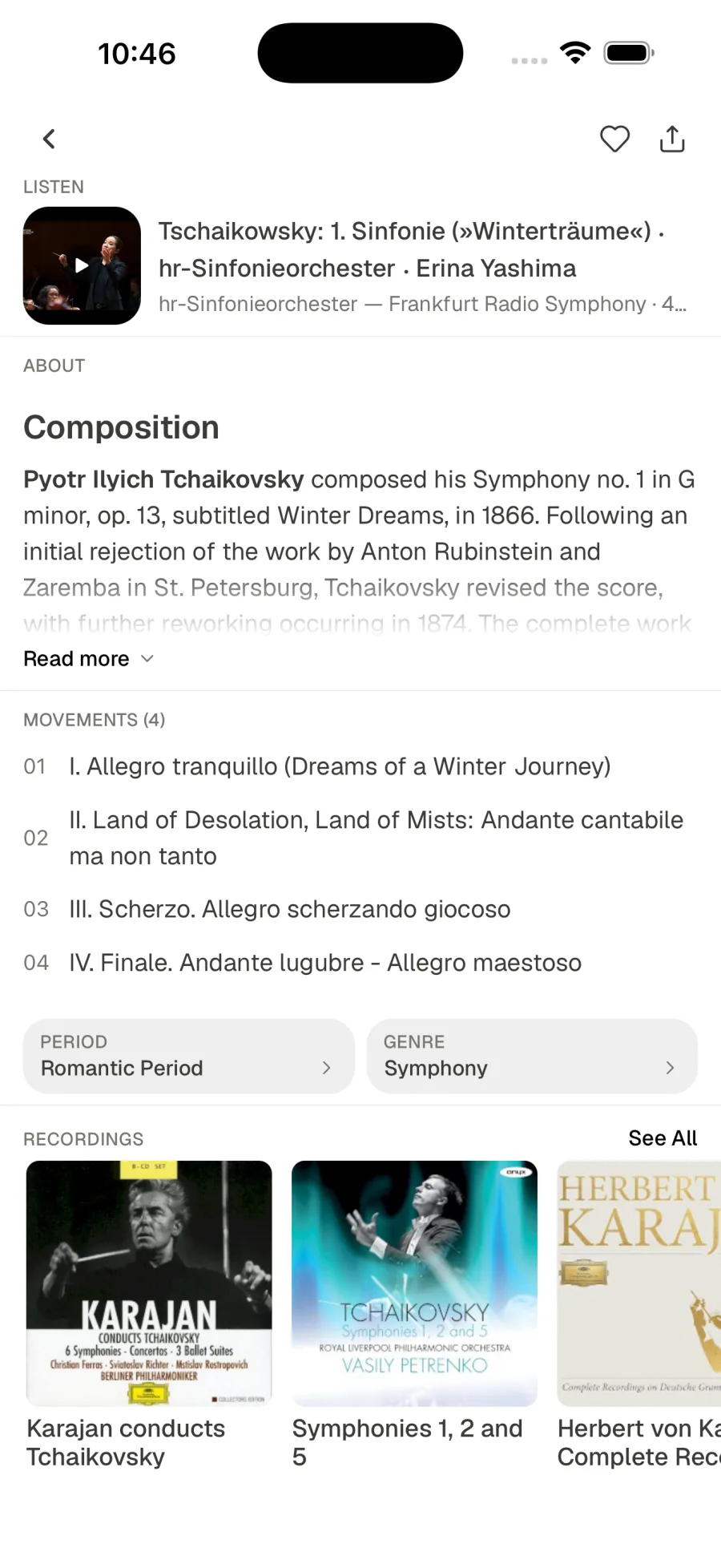
A piece page reads as one continuous scroll, in the order you are likely to want it. It opens with a way to listen: a performance video and links to your streaming service. Then come the story of the work, its movements and instrumentation, its period, genre and context, the concerts where it is coming up next, and its recordings.
Sections without information are left out rather than padded, so what you see is what the catalogue actually knows about that piece. At the top, up to three streaming icons sit beside Explore this Piece, so the music is always one tap away while you read.
Understand classical music in your own language
Sonatique is available in English, German, Spanish, French, Hungarian, Italian, Dutch and Portuguese. Explore answers are written in the language you choose, and descriptions of pieces and composers are translated wherever a translation exists, so you are not reading about Schubert's songs in a language you only half follow.
Change the language in Settings at any time; the interface and every new answer switch with it. Language, knowledge level and theme sit side by side in Settings, so adjusting how Sonatique speaks to you takes a few seconds.
Get Sonatique
Free on the App Store and Google Play.